
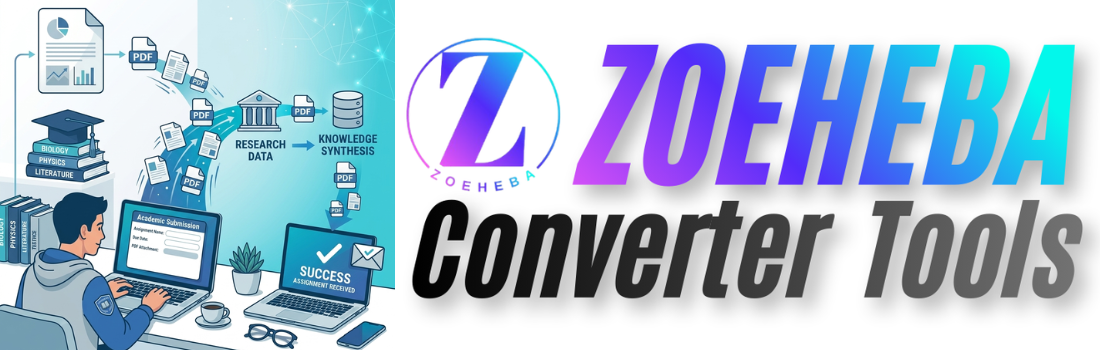
Whether you're in school, college, or university, PDFs have become the standard format for study materials, assignments, and project submissions. Knowing how to manage PDF files efficiently can save time, reduce stress, and improve your workflow.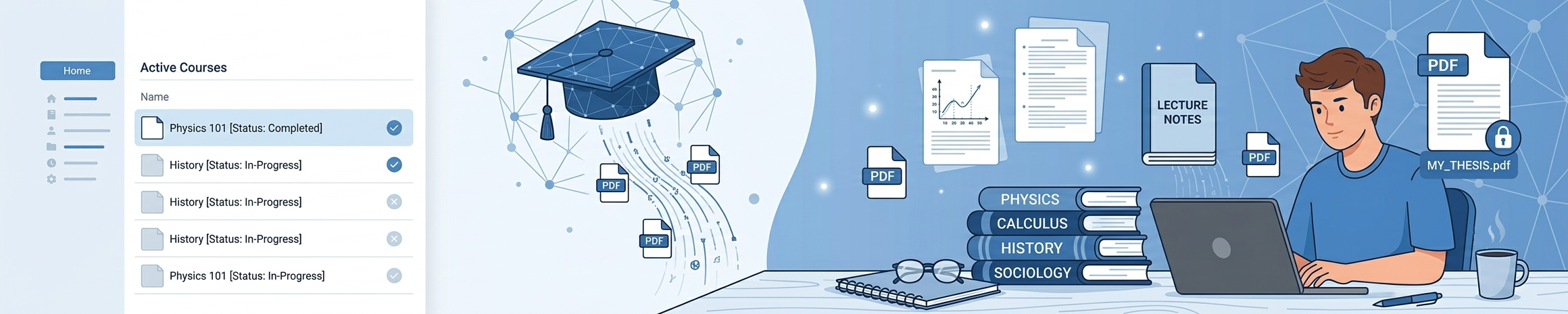
Here are ten essential PDF tips every student should know.
1. Compress Large PDFs Before Submission
Many universities limit upload sizes.
Compressing your PDF keeps quality while reducing file size, making uploads faster and avoiding submission errors.
2. Merge Multiple Documents
Instead of submitting several files, combine them into one PDF.
This looks more professional and makes grading easier.
3. Keep File Names Organized
Instead of:
assignment-final-new2.pdfUse:
Math_Assignment_JohnDoe.pdfSimple naming conventions make documents easier to locate.
4. Convert Word Documents Carefully
Always check formatting after converting Word to PDF.
Fonts, spacing, and images can sometimes shift.
5. Use OCR for Scanned Notes
Scanned PDFs become searchable after OCR (Optical Character Recognition).
Finding information becomes much faster.
6. Protect Sensitive Documents
If your PDF contains personal information, consider password protection before sharing.
7. Highlight and Annotate
Use PDF annotation tools to:
- Highlight key concepts
- Add comments
- Mark important pages
This makes revision much easier.
8. Keep Cloud Backups
Store important PDFs on cloud storage to prevent data loss.
Never rely on a single device.
9. Reduce Image Size
Assignments with screenshots often become unnecessarily large.
Compress images before converting them into PDFs.
10. Use Reliable PDF Tools
Choose trusted online PDF tools that:
- Don't add watermarks
- Process files quickly
- Respect user privacy
- Support multiple PDF functions
Final Thoughts
Good PDF management isn't just about saving storage space—it helps students stay organized, submit assignments confidently, and work more efficiently. Learning these simple habits today can save hours throughout your academic journey.
FAQ
Why are PDFs preferred for assignments?
Because they preserve formatting across all devices.
How can I reduce PDF size?
Use a PDF compression tool before uploading.
Can I edit a PDF?
Yes. Many online PDF editors allow text, images, and annotations.
Should I password-protect assignments?
Only if they contain sensitive personal information.
CTA
Need an easy way to compress, merge, convert, or organize PDF files?
Try Zoeheba's free online PDF tools and simplify your study workflow.
👉 10 Best Free PD...
Looking for the best free PDF tools? Discover...
 (1).png)
👉 PDF vs Word: Wh...
Confused between PDF and Word documents? Lear...
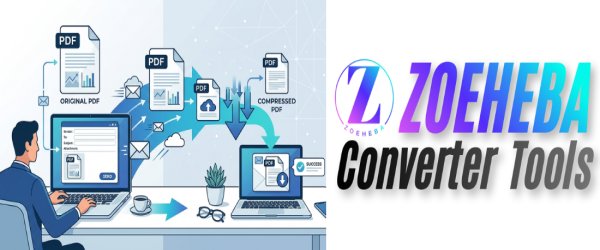
👉 Why You Should...
Sending a large PDF by email can be frustrati...
👉 Top 10 PDF Tips...
Students work with PDFs almost every day—whet...
👉 How to Create a...
Learn how to create a professional resume PDF...