
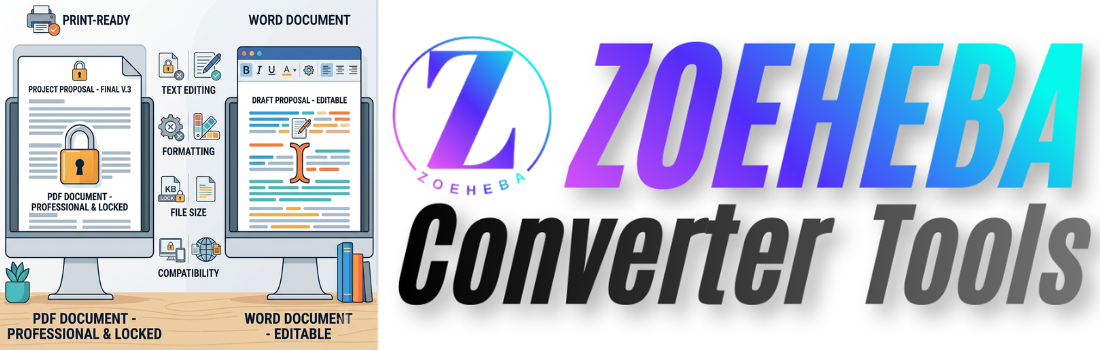
PDF and Microsoft Word are two of the most commonly used document formats today. Whether you're creating a resume, sharing a business proposal, submitting assignments, or sending invoices, choosing the right format is important.
While both formats are designed for documents, they serve different purposes. Understanding their strengths and weaknesses helps you select the best format for your needs.
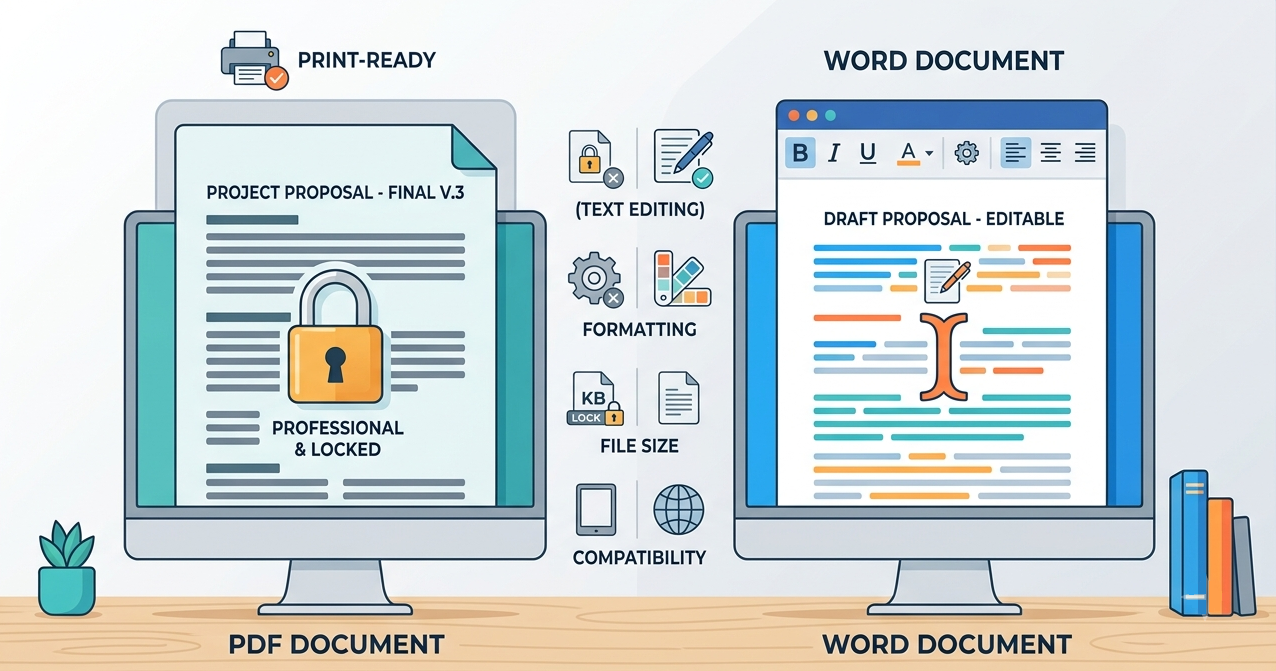
In this guide, we'll compare PDF and Word documents to help you decide when to use each one.
What is a Word Document?
A Word document (DOC or DOCX) is created using Microsoft Word or other compatible word processors. It is designed for editing, formatting, and collaboration.
Word documents allow users to easily change text, images, tables, and layouts.
Best for
- Writing reports
- Drafting contracts
- Creating resumes
- Editing documents
- Team collaboration
What is a PDF?
PDF stands for Portable Document Format. Unlike Word files, PDFs preserve the exact layout of a document regardless of the device or operating system.
PDFs are ideal when you want your document to look the same for every reader.
Best for
- Sharing final documents
- Printing
- Official forms
- Business proposals
- Invoices
- Certificates
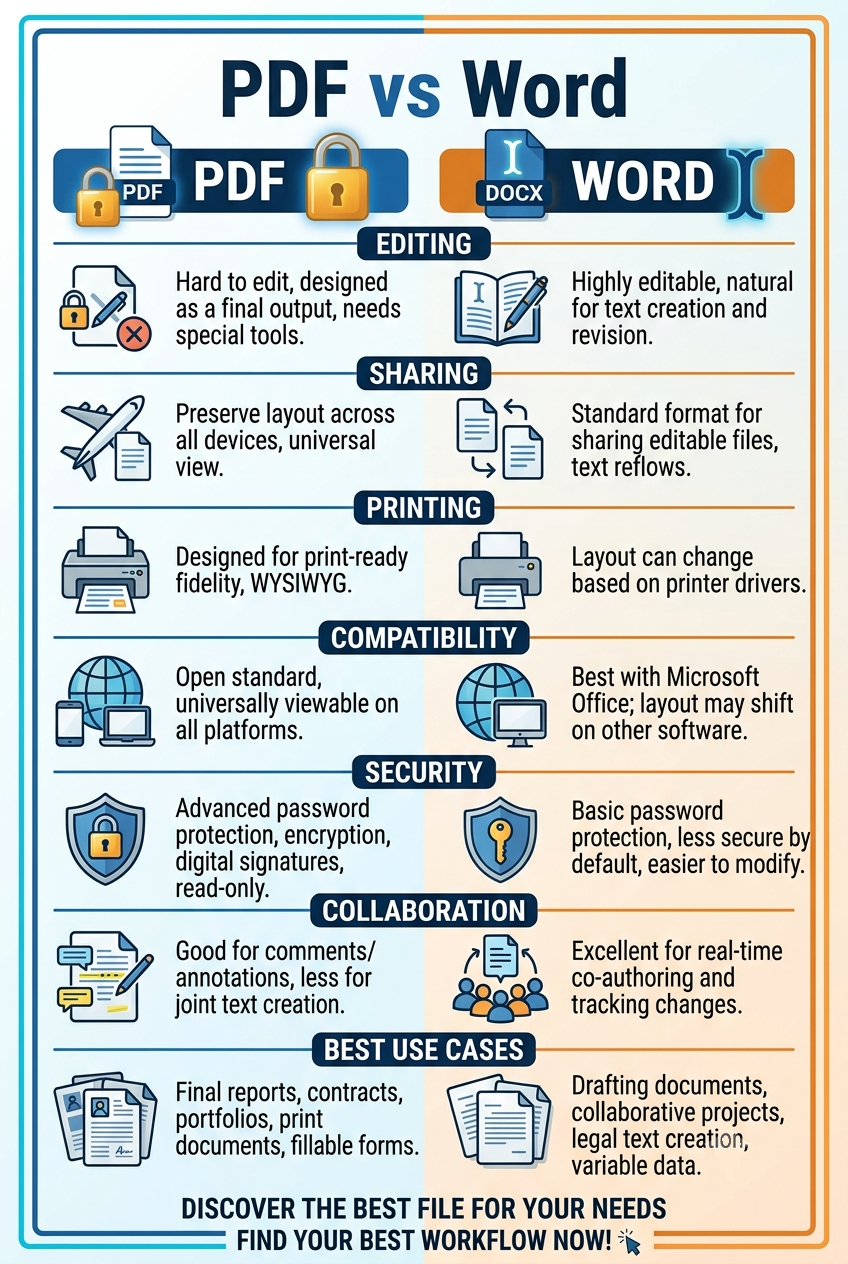
PDF vs Word Comparison
Editing
Word documents are easy to edit.
PDF files usually require annotation or conversion before editing.
Winner: Word
Formatting
PDF preserves formatting perfectly.
Word files may display differently depending on fonts and software.
Winner: PDF
File Sharing
PDF is the universal standard for sharing documents.
Anyone can open a PDF without worrying about formatting issues.
Winner: PDF
Collaboration
Word documents offer excellent collaboration features.
Multiple users can edit the same document.
Winner: Word
Printing
PDF provides consistent print quality.
Margins, fonts, and layouts remain unchanged.
Winner: PDF
When Should You Use Word?
Choose Word when you need to:
- Edit frequently
- Collaborate with others
- Write reports
- Create drafts
- Update documents regularly
When Should You Use PDF?
Choose PDF when you need to:
- Share documents professionally
- Print files
- Submit resumes
- Send invoices
- Preserve formatting
- Protect document appearance
Convert Between PDF and Word
Sometimes you need the best of both worlds.
If you receive a PDF but need to edit it, converting it into a Word document can save a lot of time.
Similarly, once you've finished editing your document, converting it back to PDF ensures that the formatting stays consistent when shared.
Useful Document Tools
Managing documents often requires more than just converting between formats.
Depending on your needs, you may also want to:
- Merge multiple PDF files into one document.
- Compress large PDF files before emailing.
- Rotate scanned pages.
- Delete unwanted PDF pages.
- Annotate important documents.
- Extract text from PDFs.
- Convert PDFs to Excel or PowerPoint.
- Create professional PDF documents from scratch using a PDF Builder.
These tools help streamline your document workflow and improve productivity.
Final Thoughts
Neither PDF nor Word is better in every situation.
Word is ideal for creating and editing documents, while PDF is the best choice for sharing, printing, and preserving formatting.
Understanding when to use each format will help you work more efficiently and present your documents professionally.
👉 10 Best Free PD...
Looking for the best free PDF tools? Discover...
 (1).png)
👉 PDF vs Word: Wh...
Confused between PDF and Word documents? Lear...
👉 Why You Should...
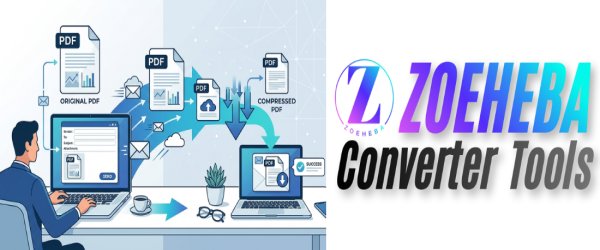
Sending a large PDF by email can be frustrati...

👉 Top 10 PDF Tips...
Students work with PDFs almost every day—whet...
👉 How to Create a...
Learn how to create a professional resume PDF...